Battery-Free Smart Locks for Cell Towers: 3 Mistakes
Battery-free smart locks cut battery swaps and key risk at cell towers, but only if you match lock types to sites, control access rights, and layer them with alarms and cameras.
- #Telecom
- #Cell Towers
- #Battery-free Smart Lock
- #NFC Lock
- #Passive Lock
- #Kinetic Lock
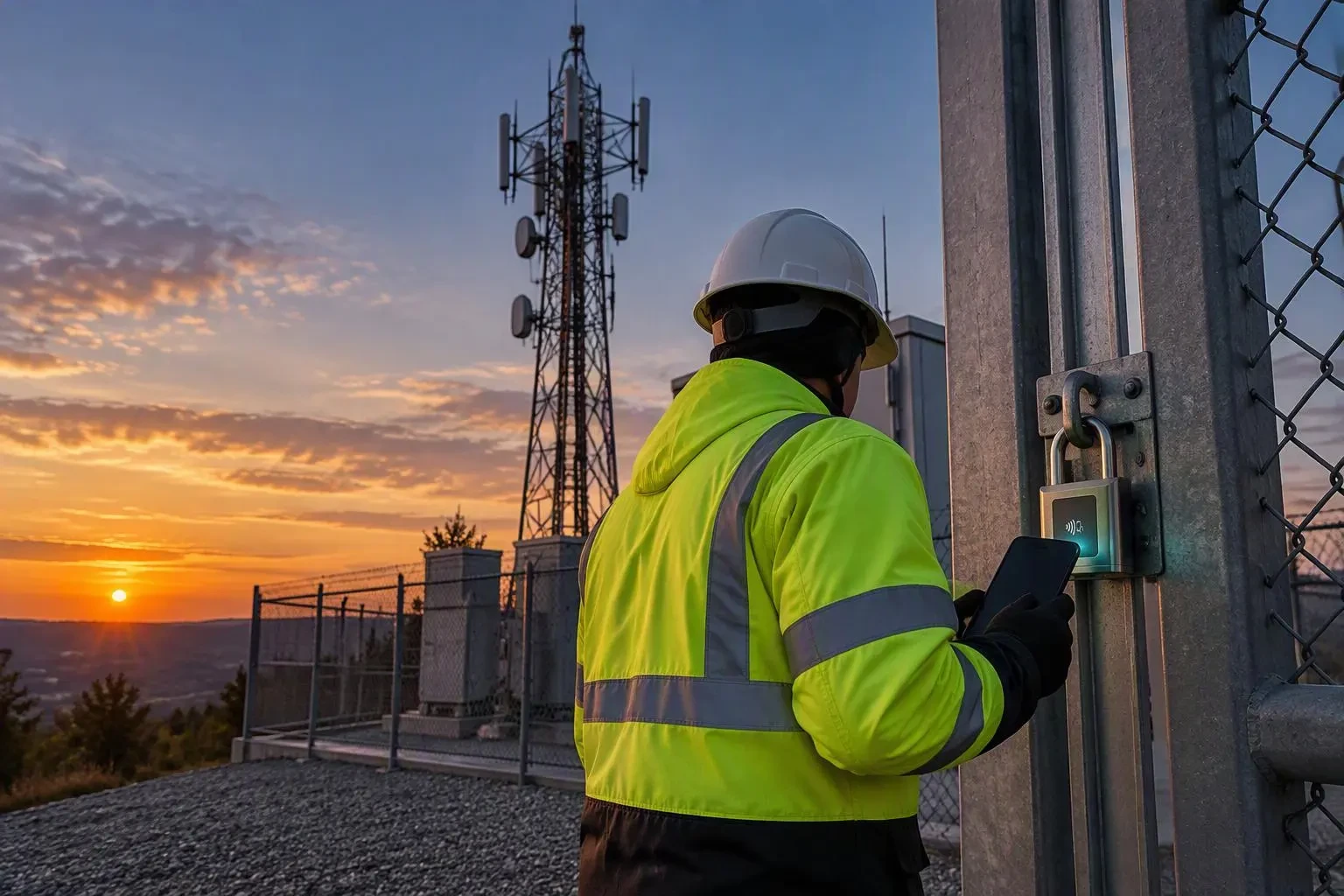
Tower crews already know the pattern: a shelter door forced overnight, a subcontractor who left months ago still holding a key, a remote base station that goes dark until someone drives three hours to reset it. Attacks on network infrastructure are climbing. A U.S. industry summit reported roughly 9,770 vandalism incidents in the first half of 2025, up from about 5,700 a year earlier, according to Radio World. Battery-free smart locks for cell towers remove the lock battery from the equation, but only if the rollout avoids a few predictable errors.
Mistake 1: Standardizing on One Lock Type for Every Site
A macro tower compound and a fiber cabinet at a remote base station have different users and conditions. Match the lock to the job:
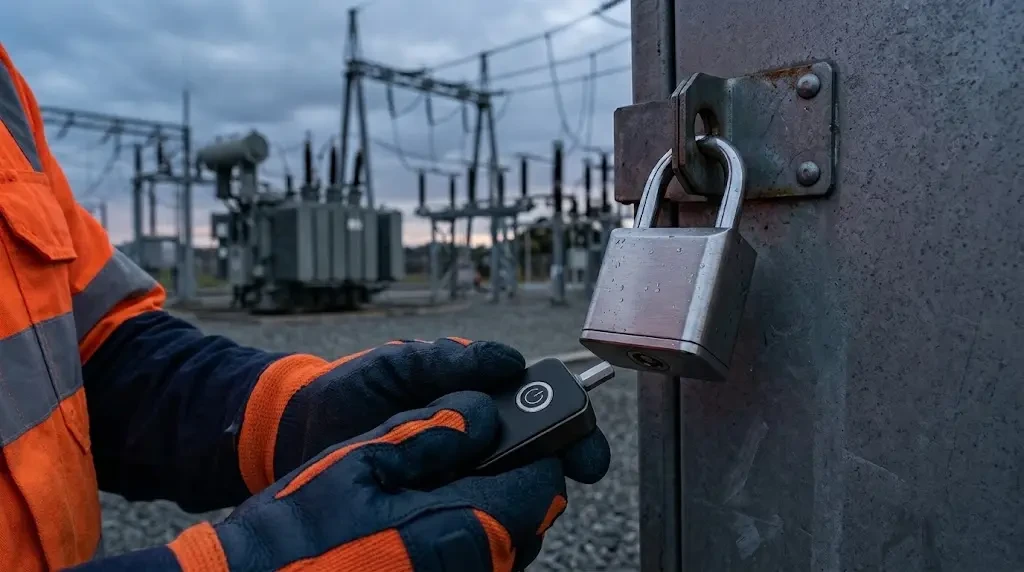
- NFC Locks fit cabinets and shelters visited by many rotating contractors. The lock draws power from the technician's phone, so there is no physical key to hand over. The trade-off: every crew needs an NFC-capable phone, so audit subcontractor devices before go-live.
- Passive Locks suit exposed sites with harsh winters or summers. The lock body holds no battery or capacitor and is rated from -40 °C to +80 °C at IP68. The Electronic Key that powers it is rated from -20 °C to +55 °C at IP65, so keep keys in the vehicle cab, not the truck bed, on extreme days.
- Kinetic Locks work well on compound gates and high-traffic equipment doors, since turning the handle generates the energy needed to authenticate.
All three are rated for at least 10,000 unlocking cycles and typically complete energy harvesting, authentication and unlocking within 3 seconds.
Mistake 2: Treating Access Rights and Audit Logs as an Afterthought
The real value comes from controlling who can open what, and when. Cellnex ran into lost keys and technicians borrowing keys from colleagues; in a rollout documented by iLOQ, the tower operator had installed 40,000 battery-free locks across 36,000 sites by the end of 2022. A US tower owner, Everest Infrastructure Partners, now grants and revokes rights remotely and uses access logs to investigate misuse, according to the same vendor.
Build the same discipline from day one:
- Scope rights to the work order, not the contractor's whole territory. A single Electronic Key can be paired with 65,000+ locks, which makes careless scoping easy.
- Sync Electronic Keys after every remote run. Each key stores at least 1,000 operation records offline, so visits to sites with no backhaul still leave a trail.
- Put key charging on the shift checklist. One full charge covers at least 1,000 Passive Lock operations, but a flat key still means a wasted truck roll.
Mistake 3: Expecting the Lock to Do the Whole Security Job
AES-128 or stronger encryption stops cloned credentials, but it does not stop an angle grinder. Vodacom puts its yearly losses from vandalism and battery theft at around R100 million, according to TechAfrica News. Pair locks with alarms, cameras and hardened enclosures, and feed lock logs into the same incident review.
Rolling Out Battery-Free Smart Locks for Cell Towers the Right Way
Pilot one cluster of sites: map each door to a lock type, confirm crew phones and key charging, then scale. With no lock battery to replace, leak or fail, the maintenance savings compound with every site you add. Ready to plan a pilot? Begin with your most-visited and least-reachable sites.
Sources
- FCC Commissioner Trusty Sounds Alarms on Copper Theft — Radio World
- Securely and Sustainably Protecting the Telecommunications Network (Cellnex Telecom) — iLOQ
- Everest Infrastructure Partners Pioneers iLOQ's Battery-Free Smart Locks in Telecom Towers — iLOQ
- Vodacom Battles Battery Theft and Vandalism to Safeguard Connectivity in South Africa — TechAfrica News